Editing That Goes as Deep as You Need
Not every edit is the same. Sometimes you want to make a single change that updates the entire visual. Sometimes you need precision on one element. And sometimes you want to take it apart entirely and rebuild it your way. Napkin gives you all three – and moving between them is seamless.
Start at the frame level. Change the font across every title, label, and description in a single action. Swap a color, and every element sharing that color updates at once. Change the background. In a few clicks, the visual shifts from something generic to something that feels specifically designed for your work.
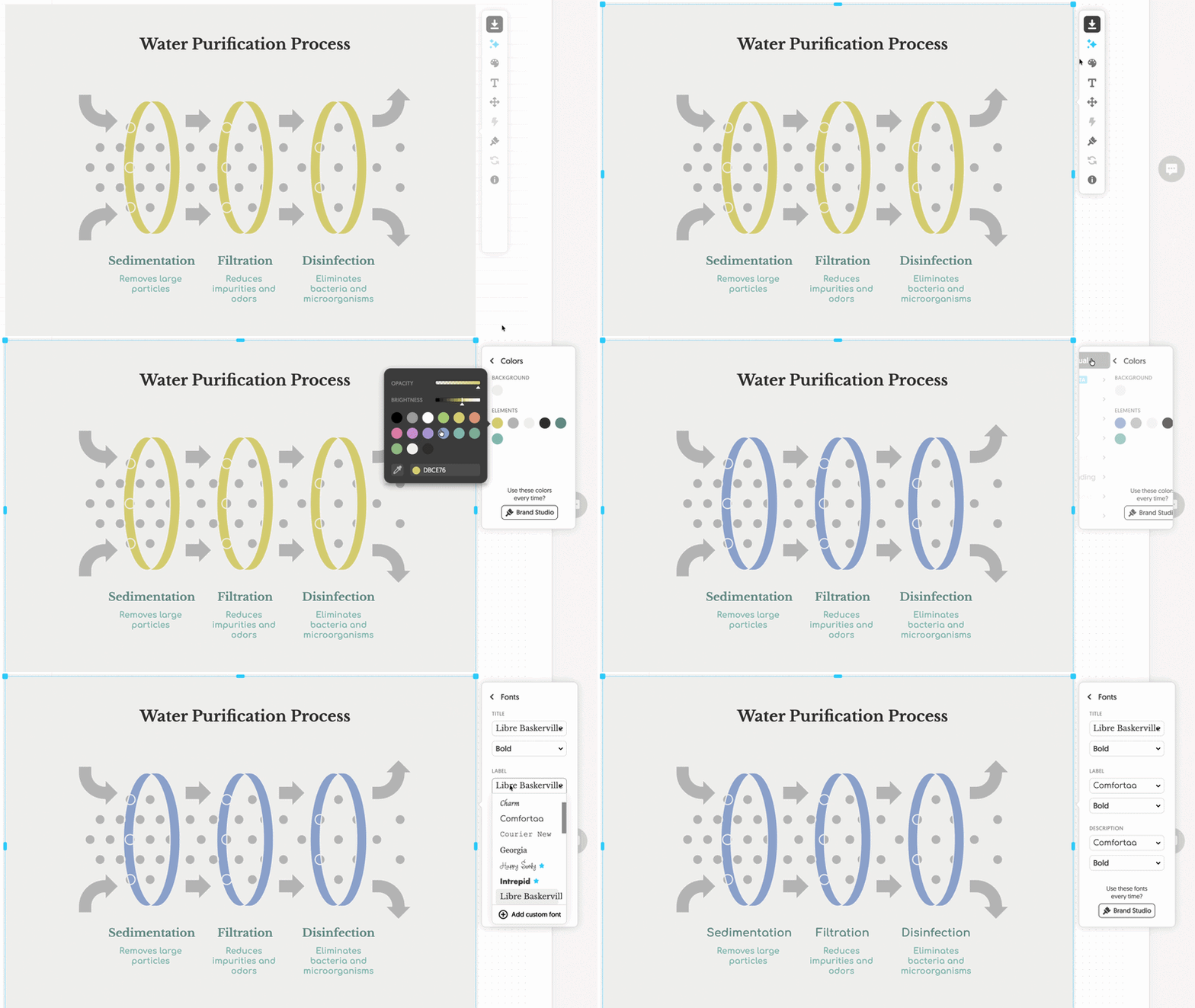
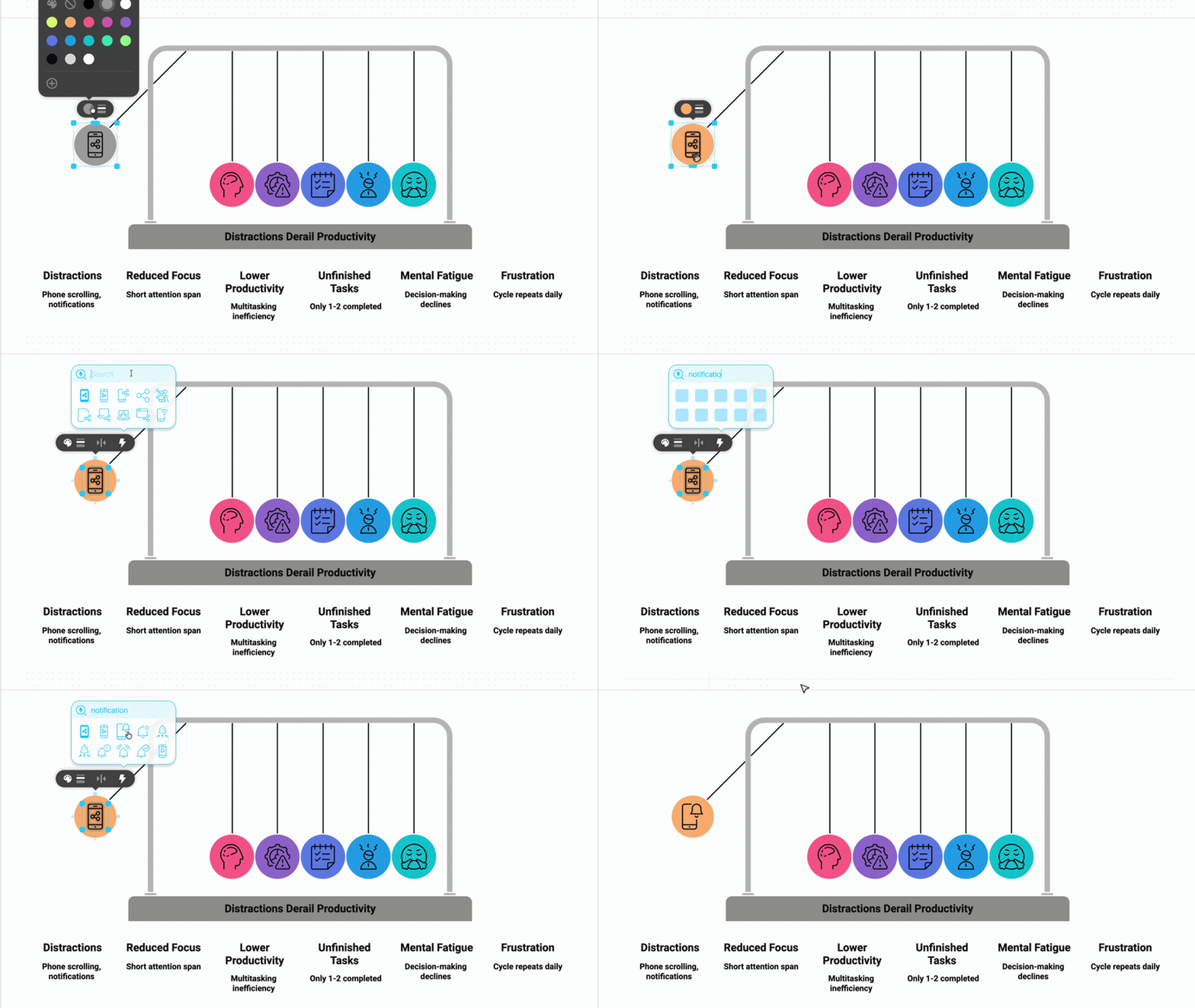
Then go to the individual level. Click on any element – a text box, an icon, a shape, a connector – and edit it directly. Change its color independently. Update the label to use your exact terminology. Swap an icon for one that better fits the idea. Every element in the visual is selectable. Every selected element is editable.
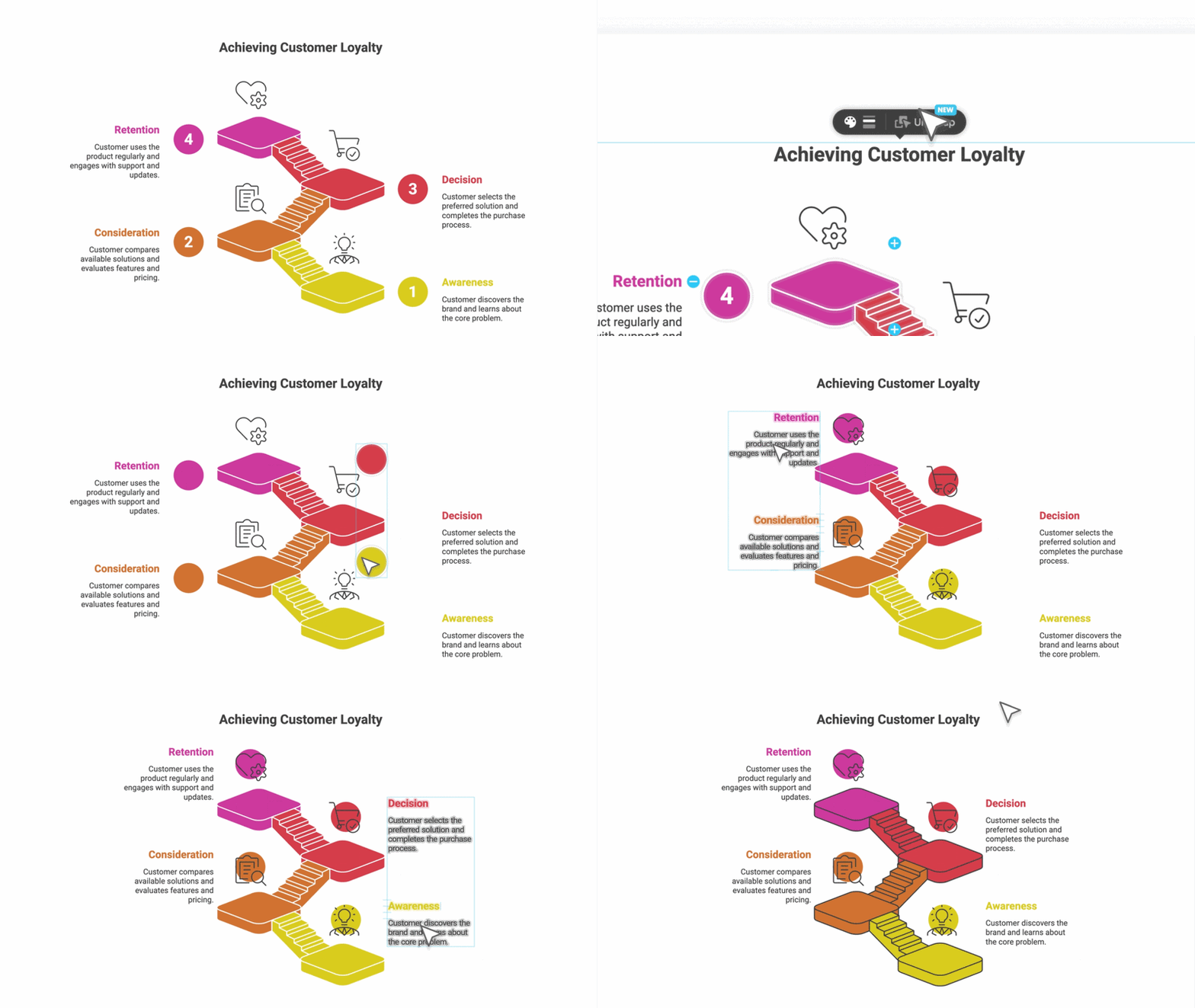
And for complete creative control, there’s ungroup mode. The visual breaks into its individual components. Move anything. Resize anything. Reposition a connector, remove an element that doesn’t belong, add one that’s missing using the toolbar, duplicate existing elements, or reorganize the entire layout from scratch. Nothing is locked.
The depth is always available. And it never gets in the way when you don’t need it.
Control That Stays With Your Visual
Editing within Napkin is one part of the story. What happens when the visual leaves matters just as much – because that’s where most tools take your control away.
With Napkin, your control over the visual doesn’t stop at the point of export.
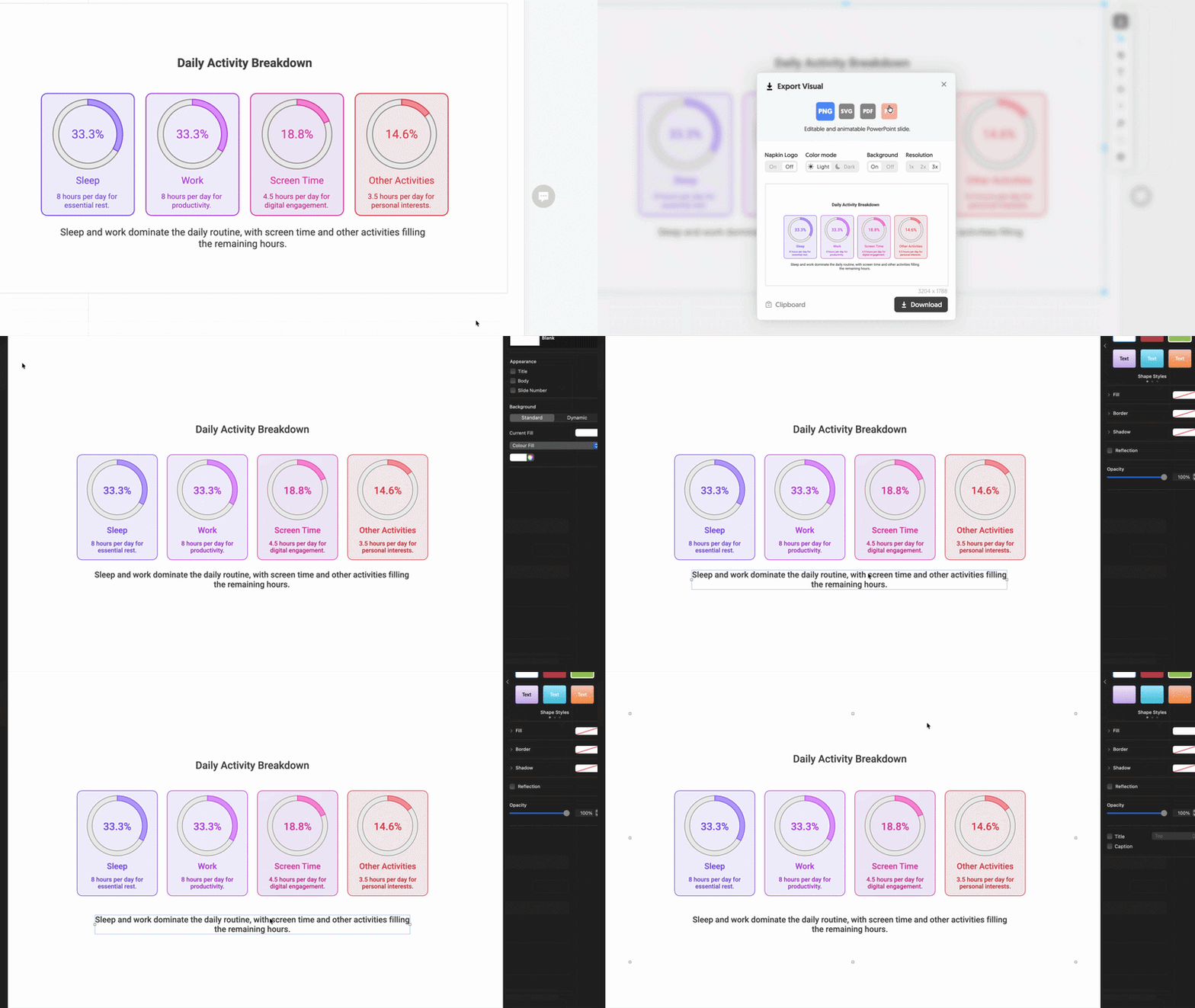
Napkin exports to PPT and SVG – both fully editable.
And when we say editable, we mean it. The PPT export isn’t an image dropped into a slide. Every element – text boxes, shapes, connectors, icons – is exported as a native PowerPoint object. You can select, move, resize, and edit everything directly in PowerPoint, Keynote, or Google Slides, as if you’d built the visual there from scratch.
SVG works the same way – your visual stays fully editable in any design tool, wherever your workflow takes you.
Why This Matters
The value of a visual isn’t just in how it looks. It’s in how well it communicates your idea.
And your ideas don’t stay still. They evolve with feedback, with new context, with sharper thinking. The visual should be able to evolve with them.
That’s why editing isn’t just a feature for us. It’s how we think about the product. Napkin isn’t just a visual generator. It’s a space where you create, refine, and own visuals that match the way you think.
Not a locked output. Not a static artifact. Something alive. Something yours.
Try It Now
Editing is live in Napkin today. You can try it right now.
- Generate a visual from any text
- Click to select and edit any element
- Ungroup to unlock full creative control
- Export to PPT or SVG – and keep editing wherever you go
Your thinking evolves. Now your visuals can too.
Written by Pramod Sharma
Co-founder and CEO of Napkin AI


