


Turn Your Process Into a Flowchart
No blank canvas. No dragging shapes. Describe your process, and get a flow chart. Yours to edit from there.

How to Make a Flow Chart
From steps to a finished flow chart, no drawing required.
-
Start with what you have
Paste your steps, a process document, or even a one-line prompt.

-
Napkin maps it out
Napkin finds the order in your content and turns it into a connected flow chart.

-
Make it yours
Refine the flow chart, restyle it to match your brand, then export as PPT, PDF, PNG, or SVG.


One tool, multiple ways to organize
Same ideas, different layouts to choose from.
Input text
A flowchart that shows how a support ticket moves from submission to resolution, using AI sentiment analysis to flag urgent cases and route them to the right agent before closing with a feedback survey.


Flowchart Examples
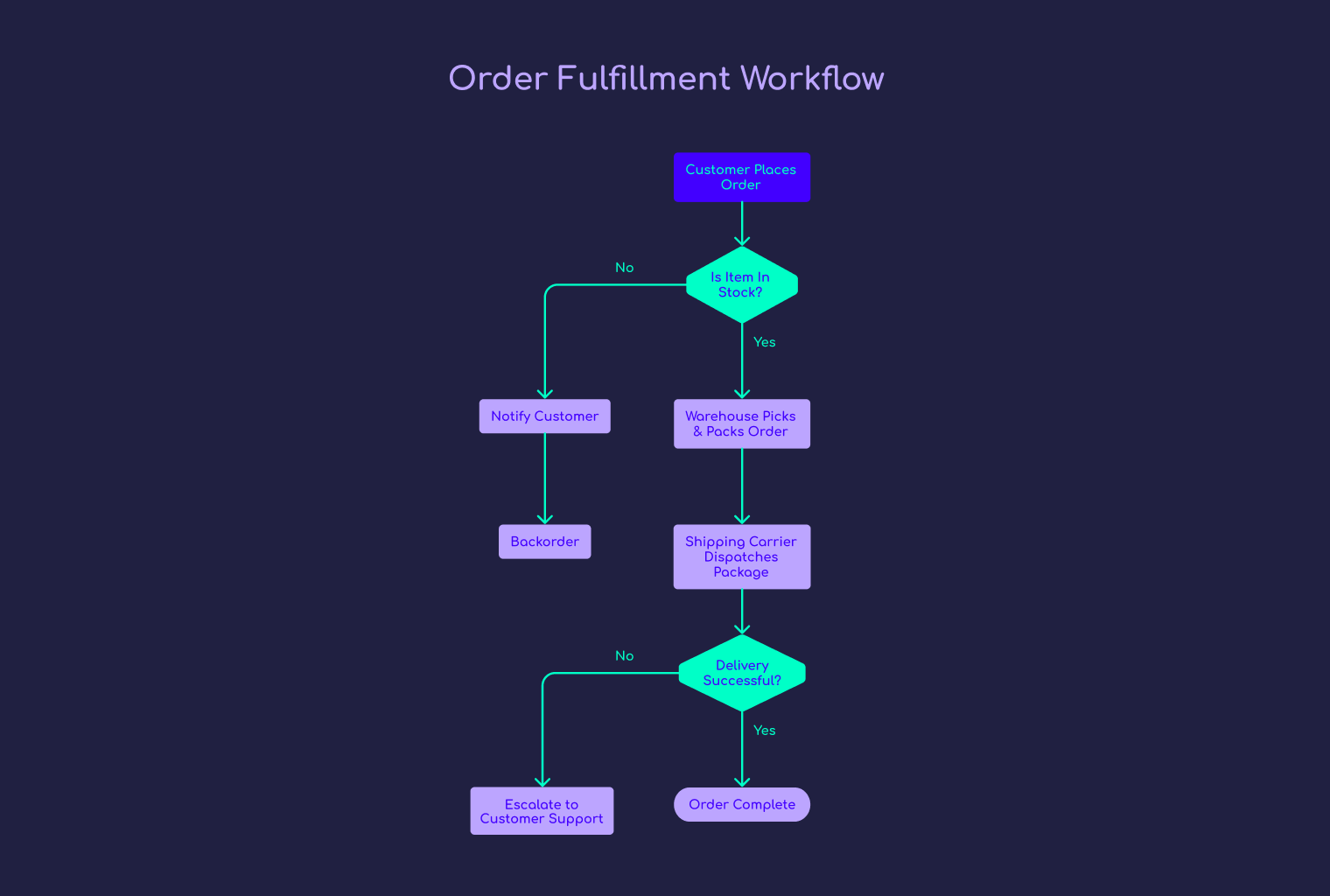
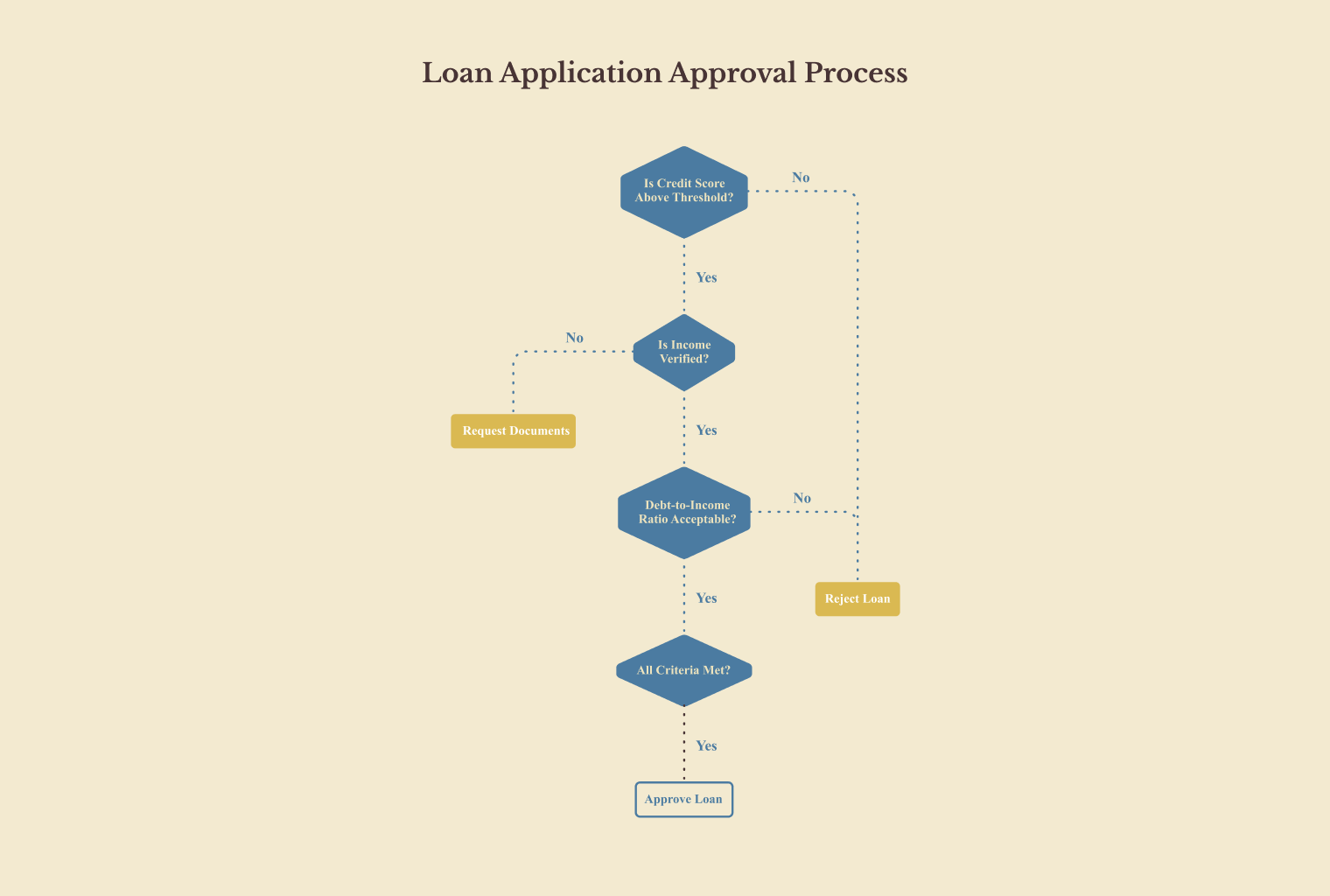
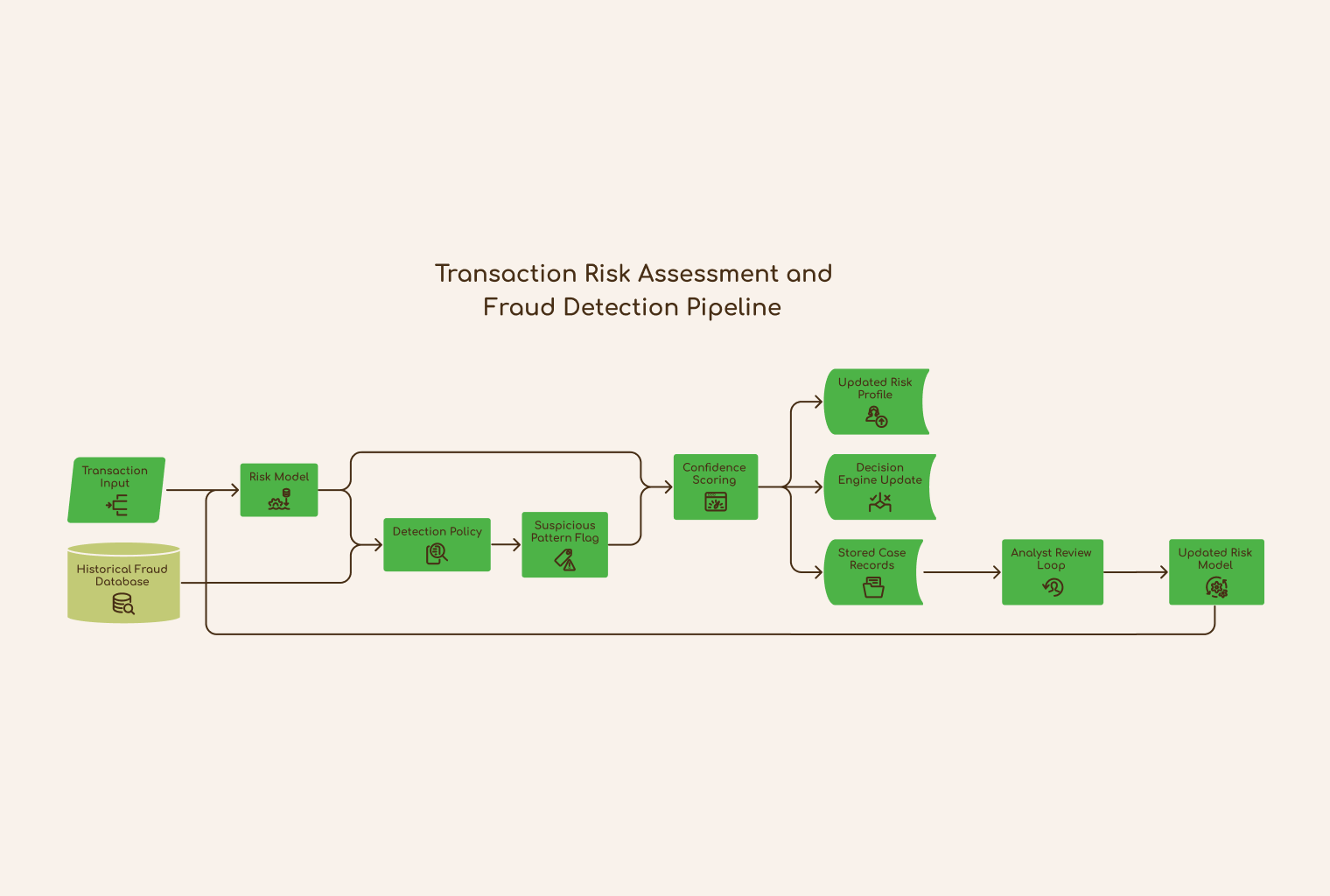
See how others use Napkin to document processes, map workflows, and outline decisions. Then start from one yourself.



Process Documentation
More ways to visualize


Frequently asked questions
Can't find the answer you are looking for? Reach out to us here.
What is a flowchart?
A flow chart is a visual diagram that shows the steps in a process, in order, using shapes and arrows to connect actions and decisions. It helps you see how a process moves from start to finish, making it easier to document, follow, and improve.
What types of flowcharts can Napkin create?
Napkin can generate several flow chart types from the same input, including process flows, decision trees, and journey flows. Switch between layouts anytime without starting over.
How do I edit a flowchart after generating it?
Click any step to change its shape, edit text, change the font, or recolor it, all directly on the flow chart. Add or remove steps, or switch the entire layout. Nothing is fixed, so you can keep refining until it feels right.
What can I use a flowchart for?
Flowcharts are incredibly versatile. Use them to document processes, map workflows, plan approvals, or guide onboarding. They are just as useful for troubleshooting guides or mapping a customer journey.
How is Napkin AI different from other flowchart tools?
Napkin isn't a single-purpose tool. Napkin Visuals turns your text into mind maps, diagrams, flowcharts, infographics, data charts, and more, giving you multiple ways to visualize the same content. You can even take it further with Napkin Slides, turning your ideas into a ready-to-present presentation.
Is Napkin's flowchart maker available to all users, or only certain plans?
Yes. It's available to everyone, whether you are on the Free, Plus, or Pro plan. See our pricing page for what's included at each level.